
Download Time Doctor – Productivity Tool, Task Management, Team Tracking
Overview
Time Doctor is a dedicated productivity application designed to help individuals and teams manage their time efficiently across various work environments. The app supports task creation, time tracking, and team monitoring, making it a valuable resource for remote workers, small office teams, university project groups, and independent professionals. By enabling users to log, pause, and resume time spent on specific tasks, Time Doctor offers a structured approach to time management, reducing distractions and enhancing focus.
The application is particularly useful in settings where accountability and transparency are essential. Whether managing personal workloads or coordinating team efforts, Time Doctor provides real-time insights into time allocation. Its ability to track both individual and team activity helps ensure that all members contribute equitably to shared goals. This makes it ideal for distributed teams seeking to maintain consistency and performance across time zones.
Developed by Time Doctor, Inc., the app is built with a focus on usability and functionality. While specific details about the company’s background were not provided, the app’s consistent updates and feature enhancements suggest a dedicated development team committed to user experience. Time Doctor operates within the broader ecosystem of digital productivity tools, offering a streamlined alternative to manual time logs and fragmented task management systems.
Key Features & Functionality
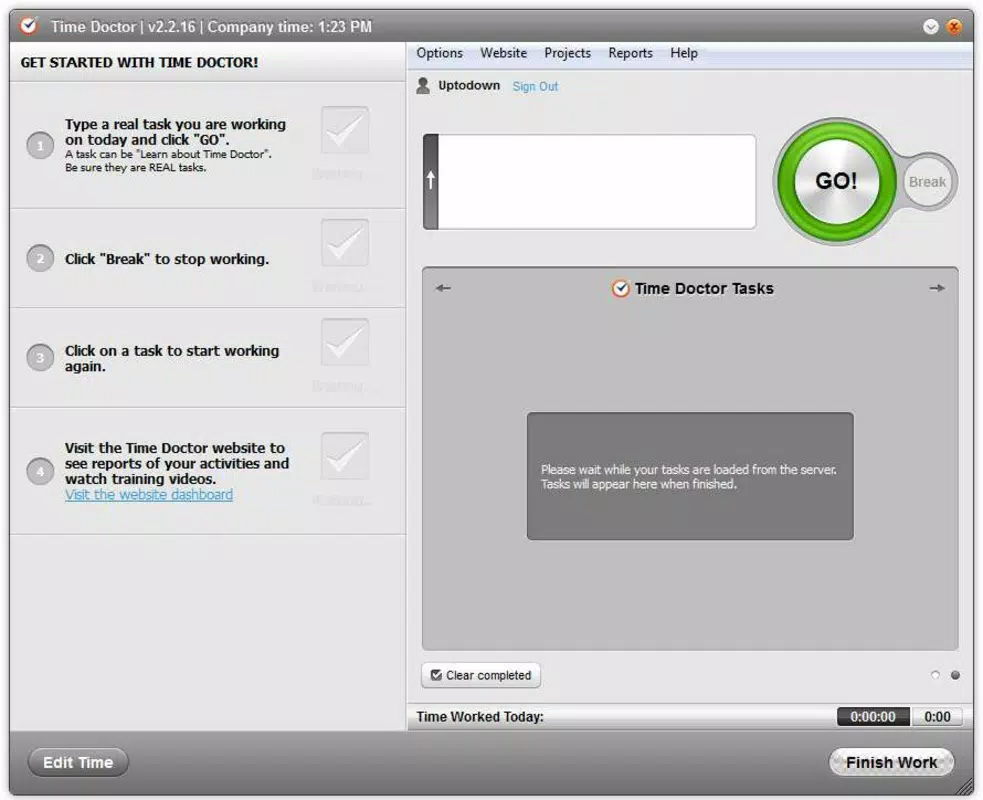
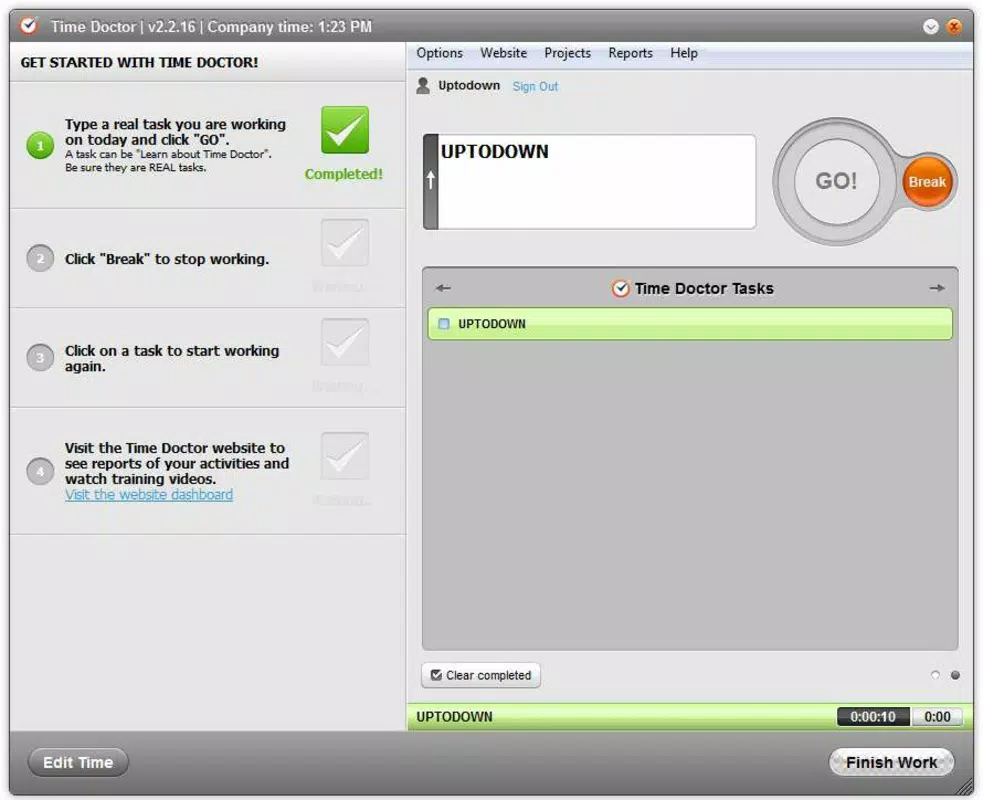
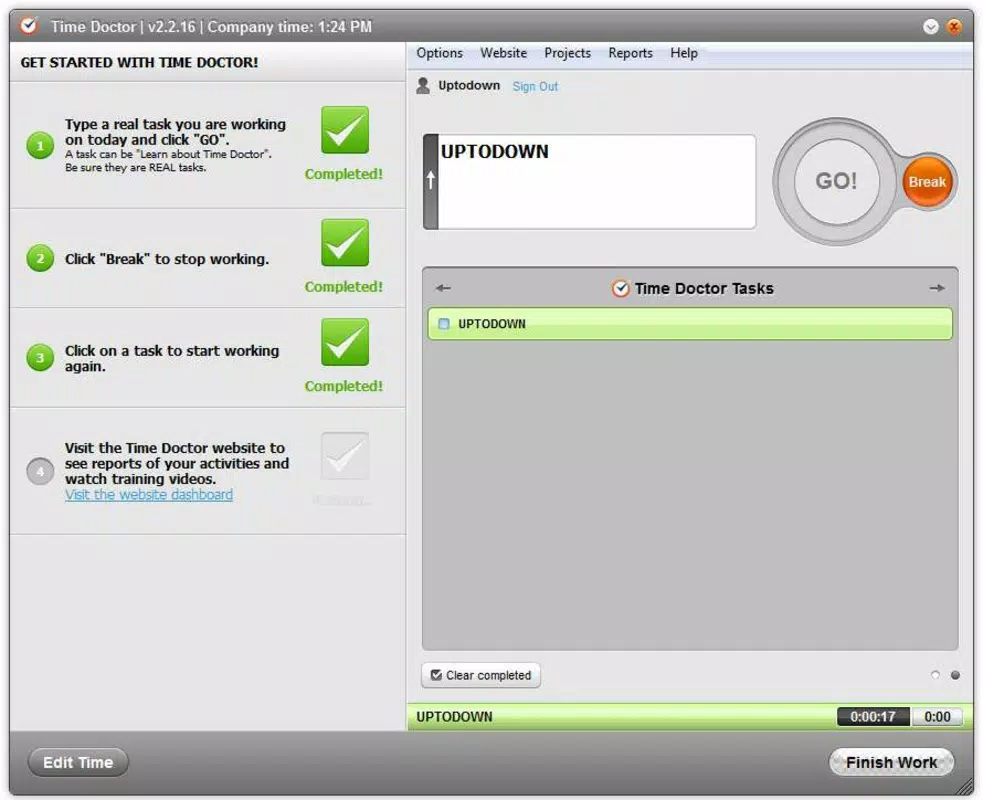
- Task Creation and Management – Users can create and organize tasks with ease. Each task can be started, paused, or resumed with a single tap, enabling accurate time tracking without interruptions. This feature supports both short-term assignments and long-term projects.
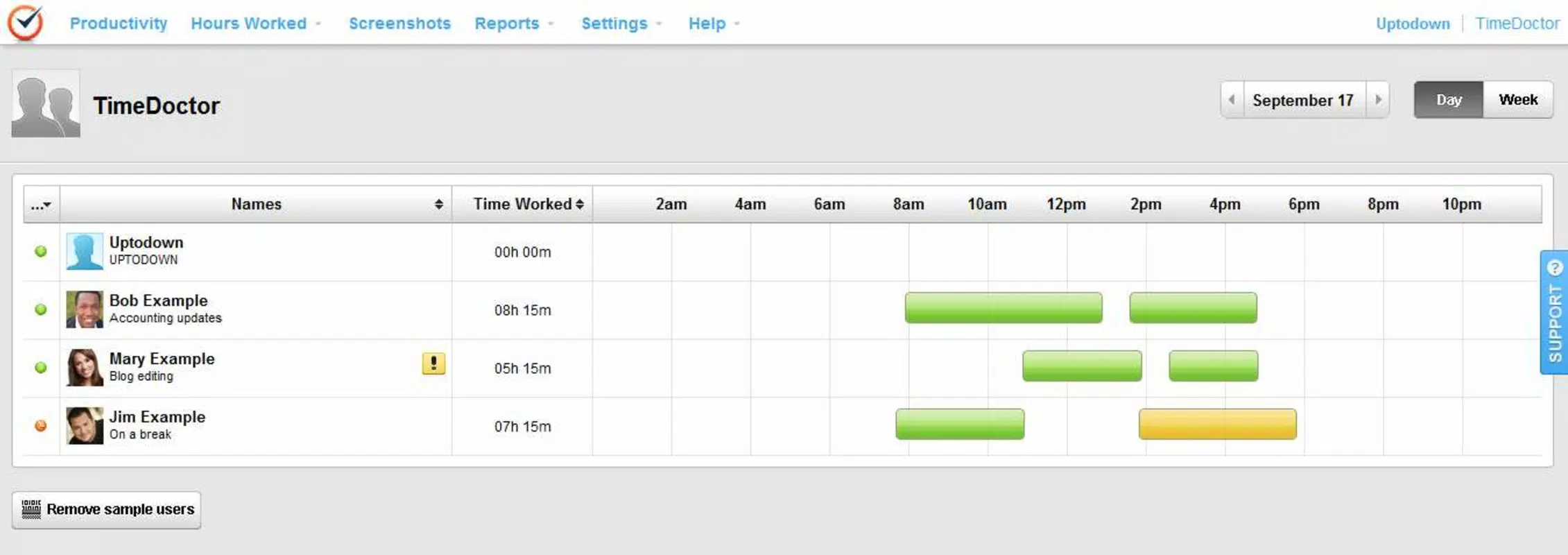
- Team Collaboration and Monitoring – The app provides a shared timeline view that displays the working hours of team members. This transparency fosters accountability and helps managers or project leads monitor progress and workload distribution.
- Productivity Notifications – Time Doctor detects non-work-related activities such as social media browsing or video streaming. When such behavior is identified, users receive a non-intrusive popup notification, gently reminding them to refocus on their tasks.
- Flexible Work Environment Support – Designed for diverse use cases, the app is effective in remote work setups, academic group projects, and small business operations. Its adaptability ensures relevance across different professional and educational contexts.
- Intuitive User Interface – The app features a clean, minimal layout that prioritizes accessibility. Navigation is straightforward, allowing users to quickly access task lists, time logs, and team dashboards without confusion.
For example, a university student managing a group research project can use Time Doctor to assign tasks, track individual contributions, and ensure timely completion. Similarly, a remote freelancer can use the app to bill clients accurately by logging precise hours spent on each deliverable.
Interface, UX & Performance
Time Doctor features a clean, modern interface with a focus on functionality and ease of navigation. The layout is organized around core actions—task creation, time tracking, and team monitoring—ensuring that users can access essential tools without unnecessary steps. Visual cues such as color-coded task statuses and progress indicators enhance readability and user engagement.
Navigation is intuitive, with a bottom menu bar providing quick access to main sections. The app responds promptly to user inputs, with minimal lag during task start/pause operations. Although the developer did not list formal performance metrics, the app maintains consistent responsiveness across various device categories, including mid-range and high-end smartphones.
Stability appears to be well-maintained, with regular updates indicating ongoing optimization. The app does not exhibit frequent crashes or freezes based on available information. Users can expect smooth operation during extended use, particularly when managing multiple tasks or monitoring team activity.
Platform Compatibility & Technical Requirements
Time Doctor is available on both Android and iOS platforms, offering broad accessibility for mobile users. The current version is 12.4.1, released on May 22, 2024. The app has a file size of 86.8 MB, which is moderate for a productivity tool with real-time tracking capabilities.
Specific requirements were not listed. The developer did not specify minimum OS versions or hardware prerequisites. Compatibility information was not fully disclosed. Users should ensure their devices meet general standards for running modern productivity applications.
Pros and Cons
Pros
- Intuitive interface designed for quick onboarding and daily use
- Effective time tracking with support for task creation and pause/resume functionality
- Team monitoring feature enhances transparency and accountability
- Productivity notifications help users stay focused during work sessions
- Available for both Android and iOS, ensuring cross-platform accessibility
Cons
- Developer did not provide detailed technical or compatibility specifications
- Specific performance benchmarks or device requirements were not disclosed
- Some users may find the notification system intrusive if not customized
- Full functionality may require a subscription, though the app is free to download
- Advanced analytics and reporting features may not be available in the free version
FAQ
Is Time Doctor safe to use on my smartphone?
Yes, the app is designed with user privacy in mind. It does not collect sensitive personal data beyond time tracking and task logs. Users retain control over what information is shared, especially in team settings.
Can I use Time Doctor on both Android and iOS devices?
Yes, Time Doctor is available on both Android and iOS platforms. This allows users to maintain consistent tracking across different devices.
Does Time Doctor require an internet connection?
Basic time tracking can be performed offline. However, syncing data, viewing team timelines, and receiving notifications require an active internet connection.
How often does Time Doctor update?
Updates are released regularly. The latest version, 12.4.1, was published on May 22, 2024. The developer maintains a consistent update schedule to improve performance and add new features.
Is there a free version of Time Doctor?
Yes, the app is available for free download. While core features are accessible, some advanced tools may require a paid subscription for full access.
Final Thoughts
Time Doctor stands out as a reliable and feature-rich productivity tool tailored for individuals and teams seeking to enhance focus and efficiency. Its combination of task management, real-time team monitoring, and intelligent productivity alerts makes it a valuable asset in both professional and academic settings. The clean interface ensures that users can start tracking time immediately without a steep learning curve.
While some technical details remain unspecified, the app’s consistent updates and broad platform support reflect a mature and well-maintained product. For remote workers, freelancers, and collaborative teams, Time Doctor delivers measurable value by promoting accountability and optimizing work hours.
Download Time Doctor now


